A coffee brew timer with the recipe built in
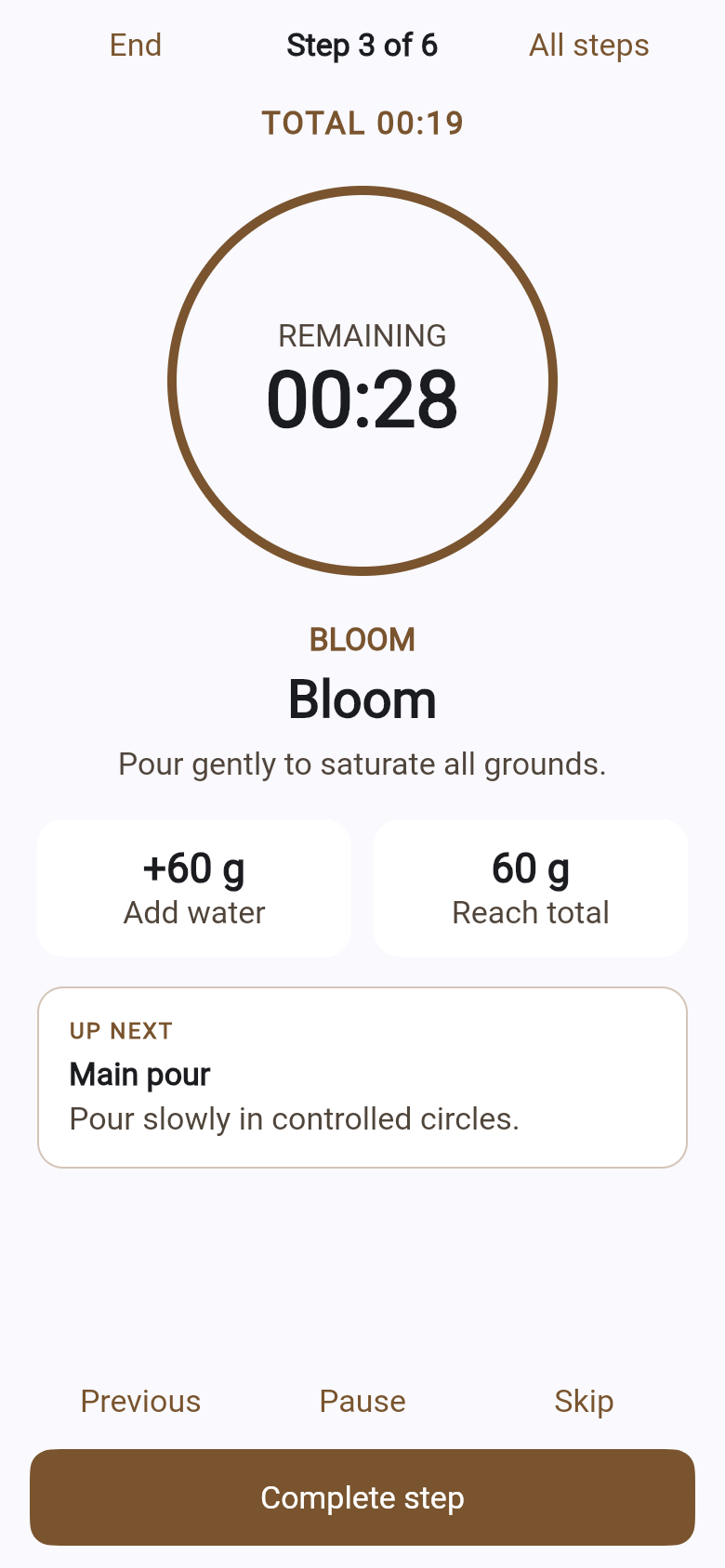
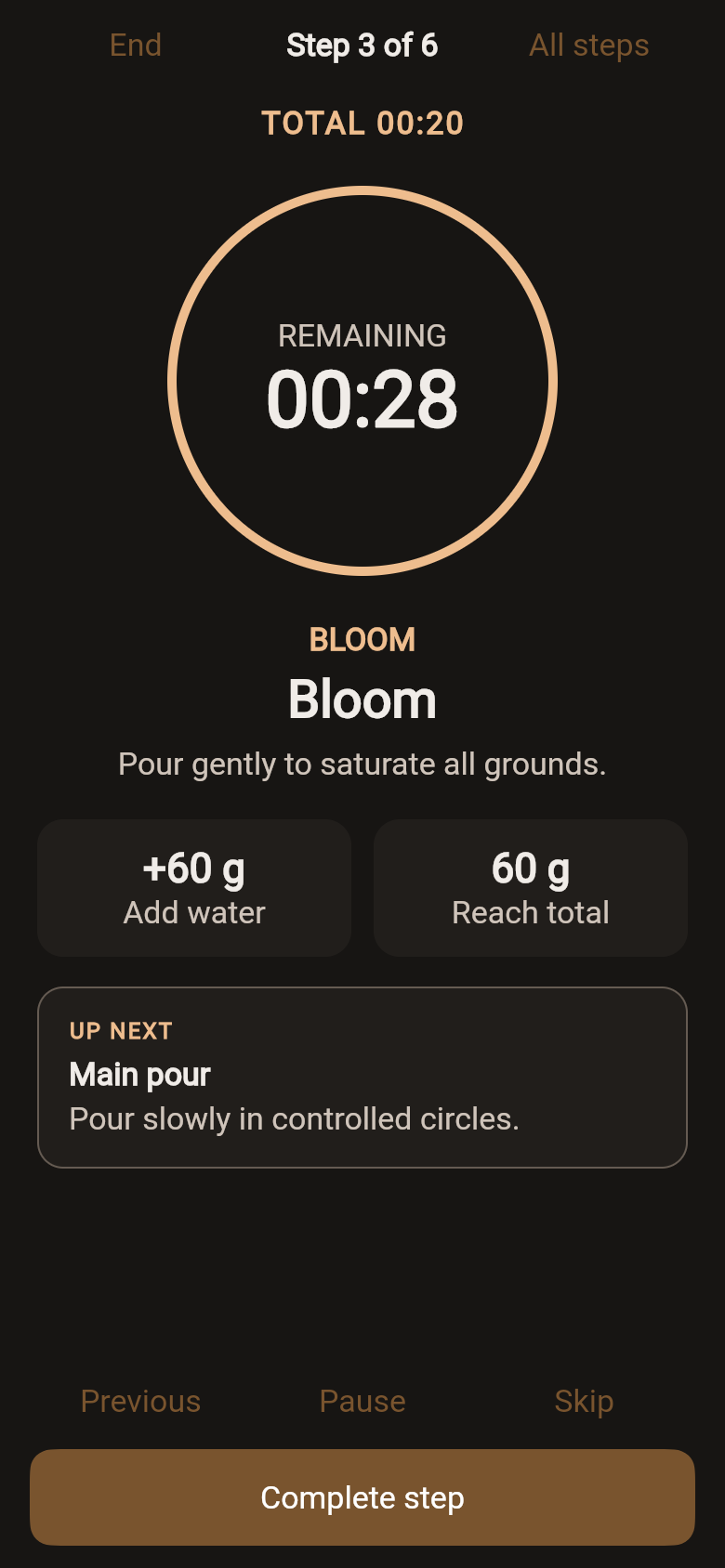
See what to do now, how long it should take, and how much water to add. Pause, resume, or check all steps without losing your place.
Guided coffee brewing
PourPulse turns a coffee recipe into a calm, step-by-step brew. Set your ratio, follow each timer and pour target, then save the beans and tasting notes behind the cup.
A timer alone cannot tell you what comes next. A notebook cannot guide a pour while your hands are busy. PourPulse brings the recipe, ratio, current step, target water, and timer into one focused brewing flow.
How it works
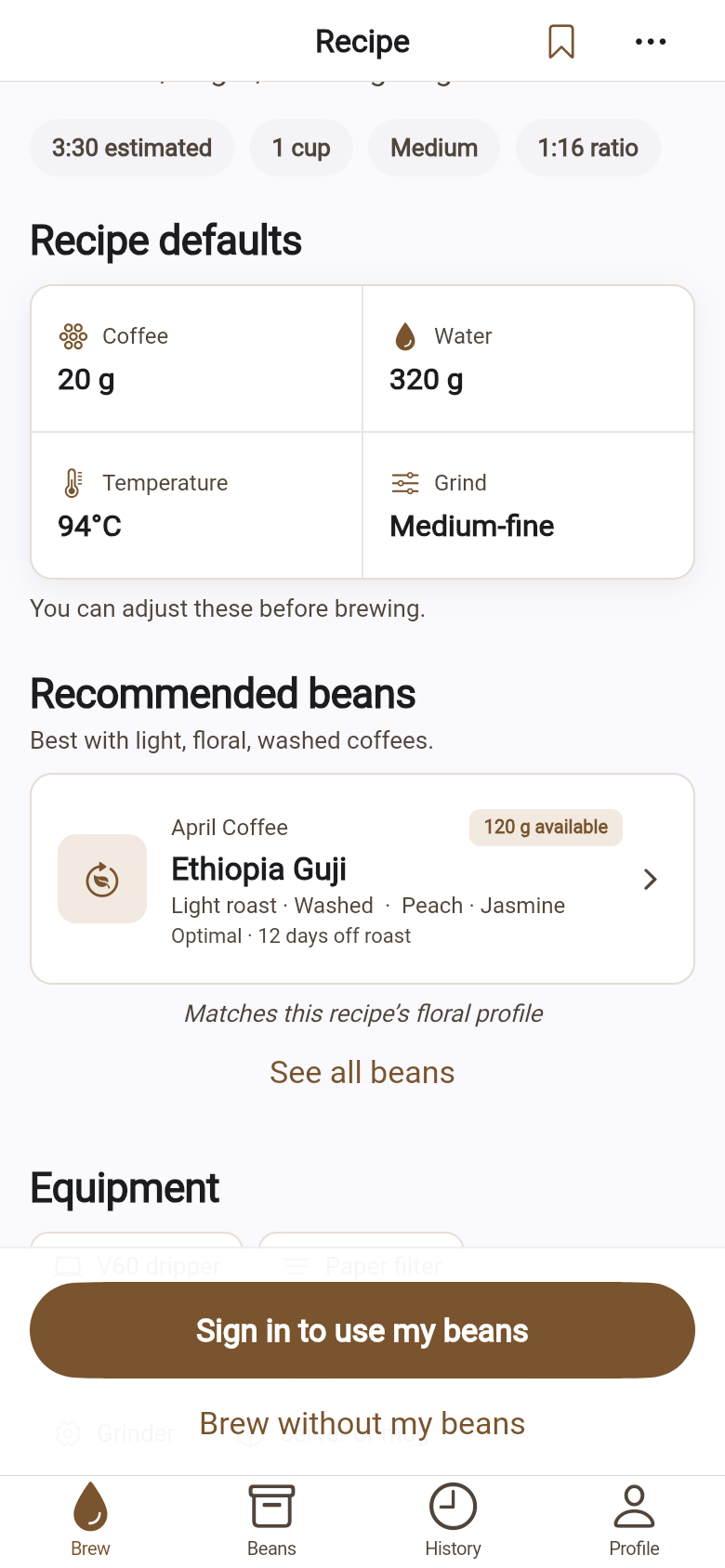
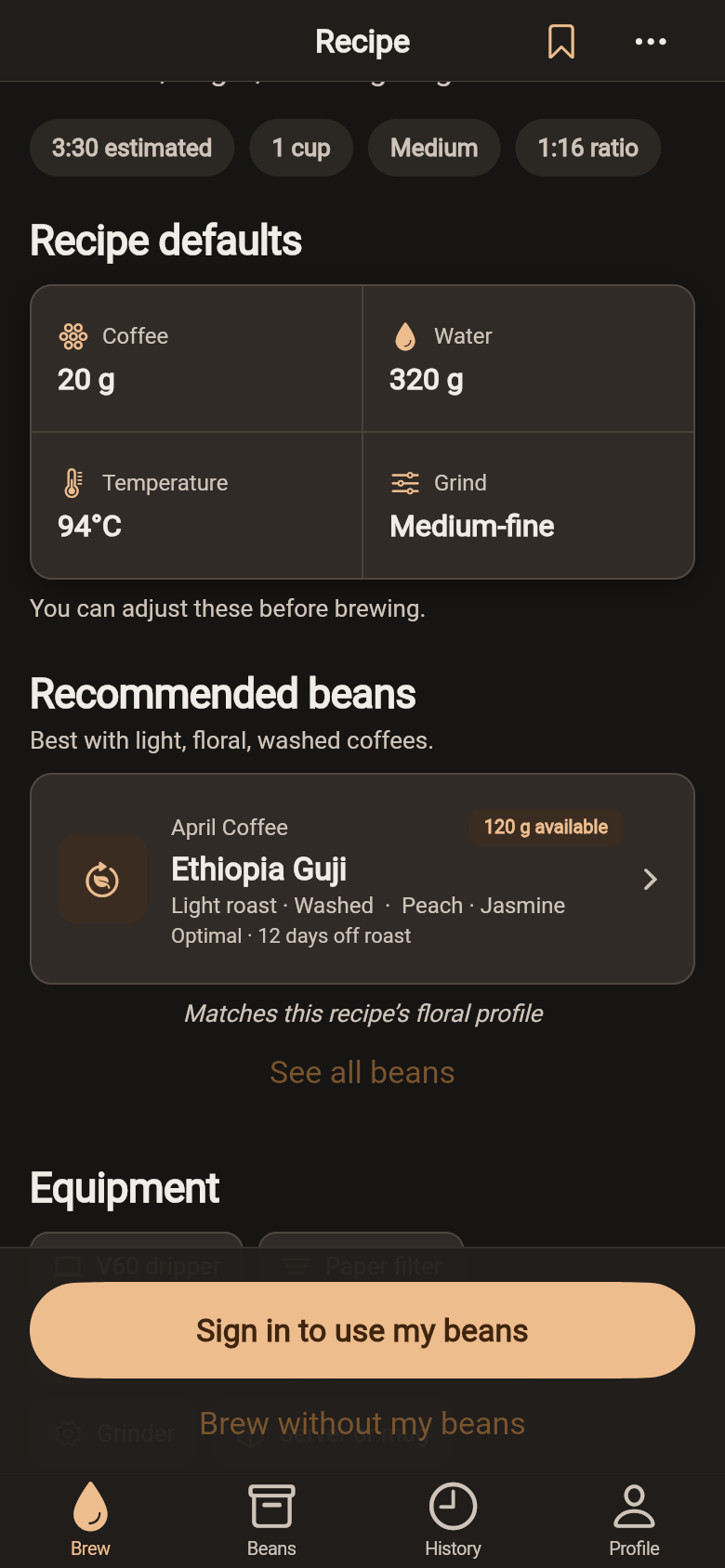
Start with a brewing method and see the dose, ratio, temperature, grind guidance, and expected time.
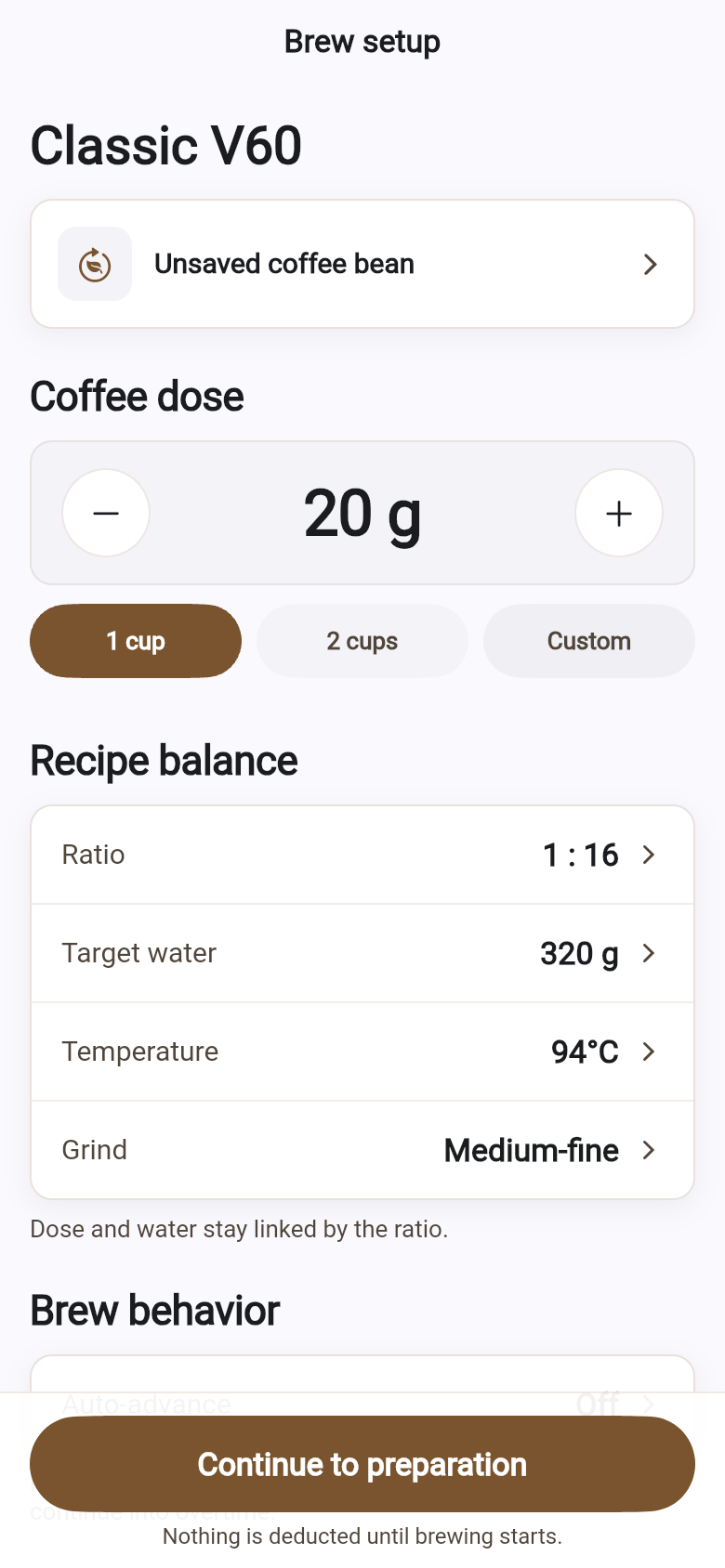
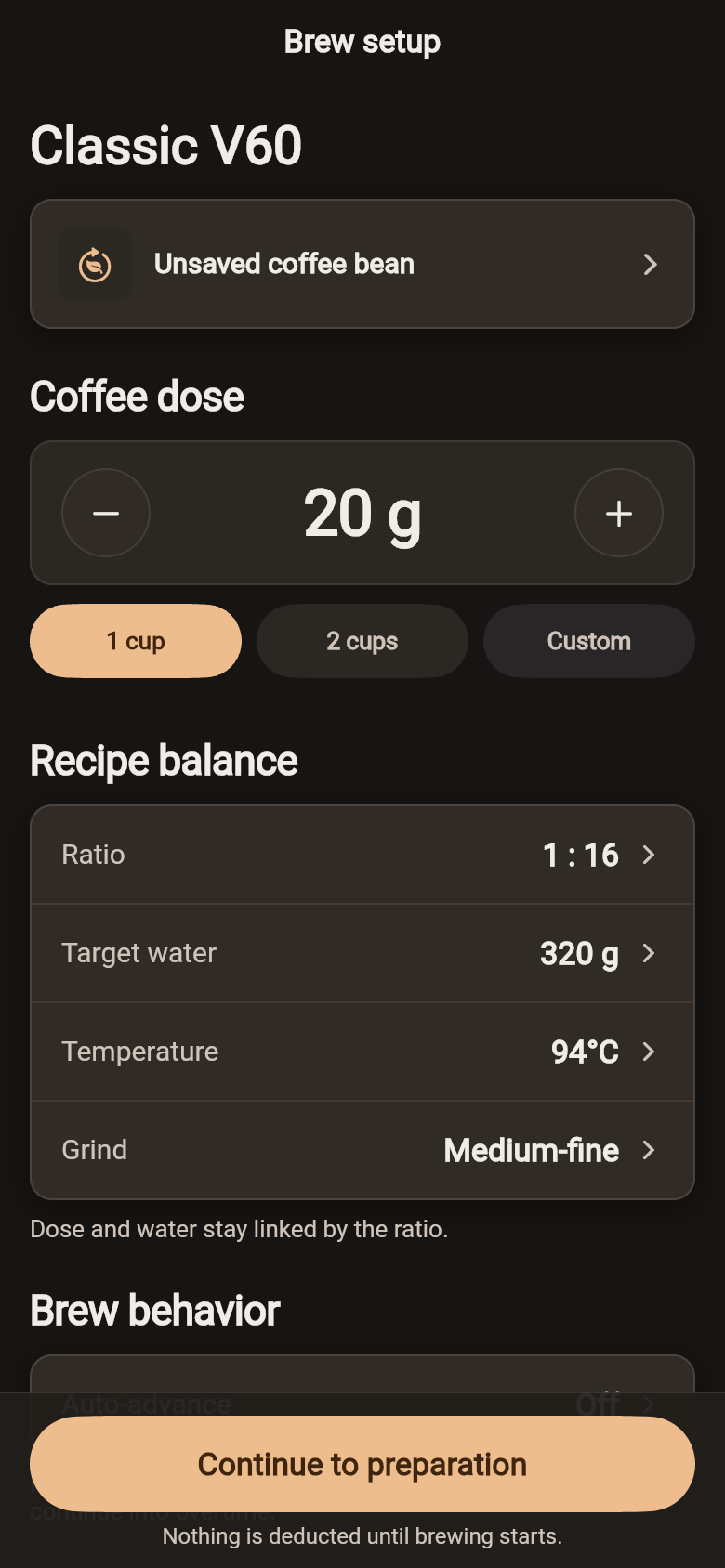
Select your beans and adjust the coffee dose, water, and ratio for the brew you want.
Prepare your equipment, then brew with the current instruction, timer, and pour target in view.
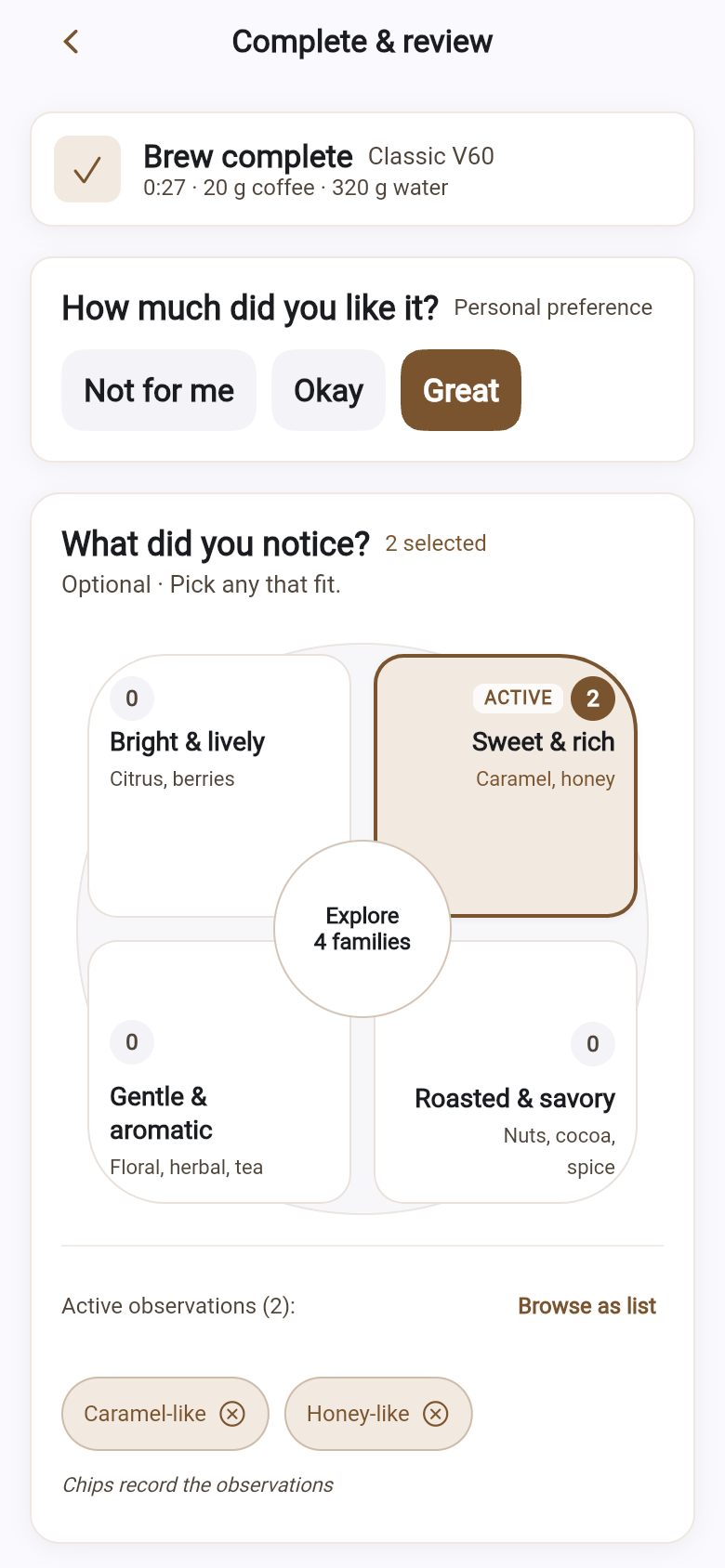
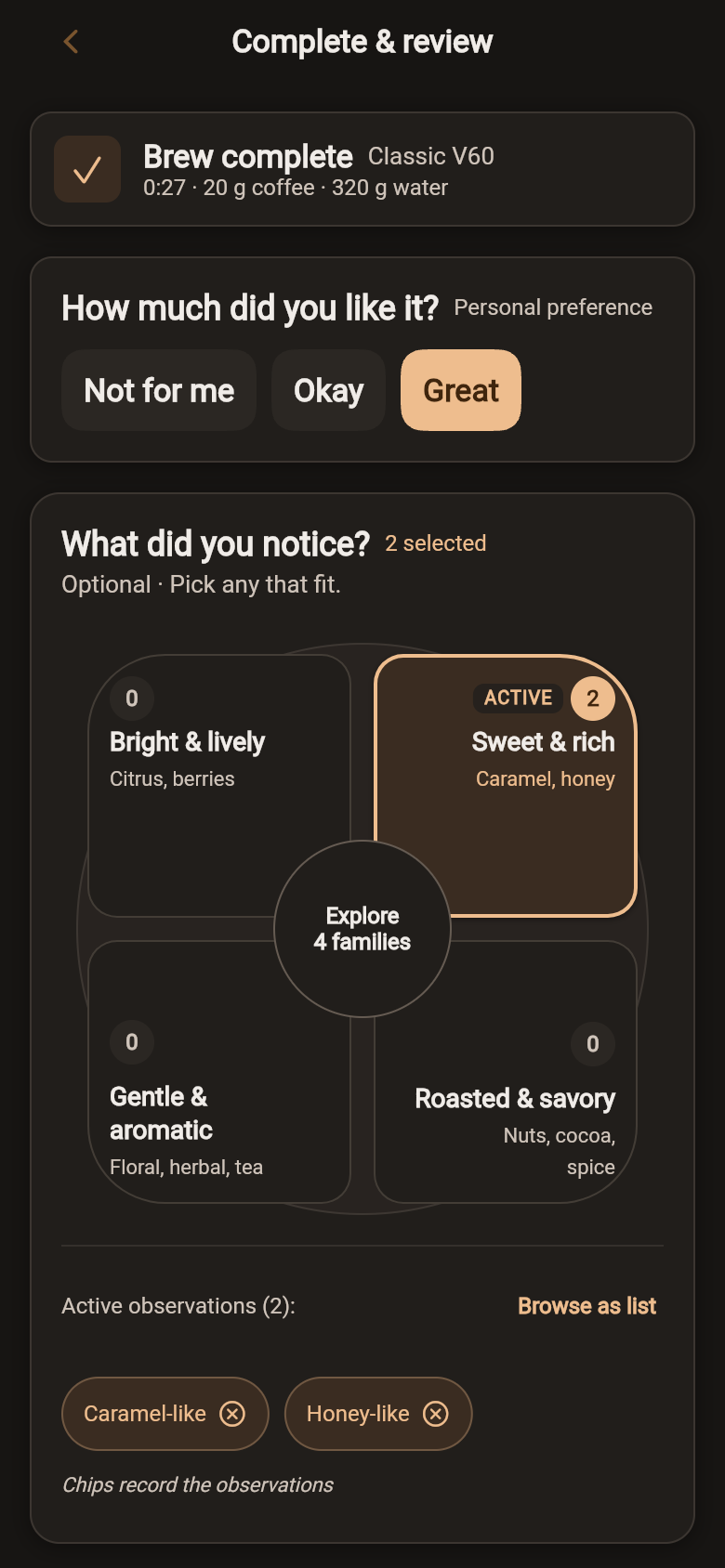
Rate the result, add tasting notes, and save a complete session you can revisit later.
Features
See what to do now, how long it should take, and how much water to add. Pause, resume, or check all steps without losing your place.
Adjust dose, ratio, and water together before you start. The setup remains part of the saved session, so the numbers have context when you return.
Keep useful details about your coffee beans and select them before brewing. Roast, origin, processing, and storage information can travel with the result instead of living in a separate note.
Save ratings and tasting notes at the end of the flow. Search and filter your brew history to find cups you enjoyed and understand what changed.
PourPulse launches with guided V60 pour-over and Vietnamese phin brewing. Each recipe combines setup guidance, preparation, timed steps, water targets, and a saved result.
Follow bloom and pour stages with target water and timing.
Bloom, then let a slow, steady drip build a rich, concentrated cup, with dose and water kept together.
More methods are on the way.
New home brewer? PourPulse explains the sequence and keeps the next action visible. Already refining your coffee? Save the bean, setup, tasting notes, and session details needed to make the next adjustment intentional.
FAQ
No. The timer is connected to recipe steps, target water amounts, preparation, bean selection, brew setup, tasting notes, and saved history.
PourPulse launches with guided Classic V60 and Classic Vietnamese Phin recipes.
Yes. Before brewing, you can adjust coffee dose, ratio, and water amount for the cup you want to make.
Yes. PourPulse includes a bean inventory where signed-in users can save useful coffee and roast information and associate a bean with a brew.
Signed-in users can save completed brew sessions, ratings, and tasting notes, then search and filter their history.
PourPulse is coming soon to iPhone, with Android to follow. You can already try it in your browser at pourpulse-app.nolanng.tech.
Follow the brew. Taste the result. Keep what matters for next time.

Coming soon to the App Store